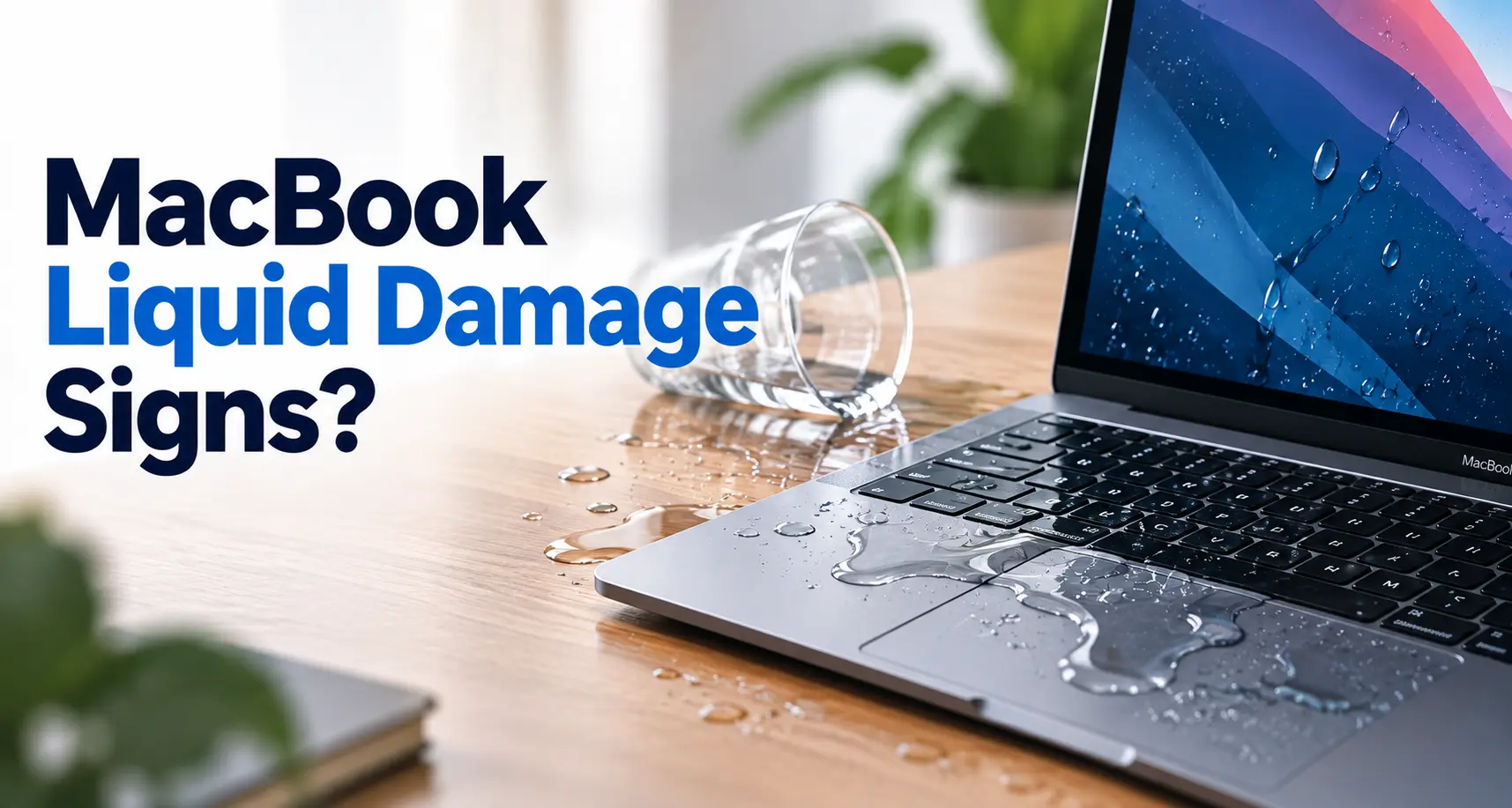
Act first after a liquid spill
The safest first response is to stop using the MacBook, disconnect it from power and other accessories, and avoid trying to dry it with heat or forcing anything into its ports.
A drink spilled on your MacBook can turn into a serious problem very quickly.
Water, coffee, tea, juice and other liquids can reach components inside the MacBook through openings such as the keyboard, ports and other gaps in the enclosure.
The visible spill may look minor, but the actual exposure inside the device can be difficult to judge from the outside.
If liquid has recently reached your MacBook, what you do immediately matters.
The safest first response is to stop using the MacBook, disconnect it from power and other accessories, and avoid trying to dry it with heat or forcing anything into its ports.
This guide explains five signs that may indicate liquid damage and what you should do next.
What should you do immediately after spilling liquid on a MacBook?
Before looking for symptoms, deal with the immediate situation.
Disconnect the power
If your MacBook is connected to a charger, disconnect it. Also disconnect other connected accessories if it is safe to do so.
Shut the MacBook down
If the MacBook is still operating, shut it down. If it has already switched off, don't repeatedly try to turn it back on just to check whether it works.
Don't reconnect the charger while moisture is present
If liquid has reached a charging port, connecting a cable while the port is wet can cause additional problems.
Don't use external heat
Avoid a hair dryer or other external heat source. Also avoid compressed air for drying the MacBook.
Don't put the MacBook in rice
Rice is not a reliable liquid-damage repair method and particles can enter the device.
Your MacBook won't turn on after the spill
One of the most obvious warning signs is that the MacBook doesn't start after liquid exposure.
You may see:
- No response when pressing the power button
- No display
- No startup sound
- No visible charging response
- The MacBook shutting down shortly after the spill
However, a MacBook that won't turn on after liquid exposure doesn't automatically tell you which internal component has been affected.
The problem could involve power-related circuitry, the battery, logic board or another component.
Don't repeatedly power it on
If the MacBook remains unresponsive after liquid exposure, professional inspection is the safer next step.
The keyboard or trackpad starts behaving strangely
Liquid entering through the keyboard area can produce noticeable input problems.
You might notice:
- Keys that don't respond
- Keys registering incorrectly
- Multiple keys behaving unusually
- A trackpad that becomes unreliable
- Unexpected clicks or input
- Intermittent keyboard or trackpad operation
A spill doesn't necessarily damage every component equally.
For example, the MacBook may continue displaying an image while the keyboard develops problems.
If the problem started immediately after liquid exposure, treat the timing as an important clue rather than assuming it is an unrelated keyboard fault.
The MacBook shows display or startup problems
Another possible sign is a change in how the MacBook starts or displays information.
You might notice:
- A blank or black screen
- Flickering
- Unexpected shutdowns
- Display abnormalities
- Problems appearing during startup
- The MacBook starting and then shutting down
These symptoms can have many causes, so they don't prove that liquid is responsible.
But if they appeared after a spill , liquid exposure should be considered during diagnosis.
This is one reason simply replacing the visibly affected component isn't always the best first step.
Charging problems appear after the spill
Liquid exposure around the charging area can create charging-related symptoms.
- The MacBook doesn't charge
- Charging repeatedly connects and disconnects
- A USB-C accessory isn't recognised
- A charging port behaves unusually
- A liquid-detection warning appears on supported Mac models
Important
If you see a liquid-detection alert, don't keep reconnecting the cable to test it. Disconnect it and allow the Mac and connector to dry before trying again.
If the charging problem continues after the device and connector are dry, further diagnosis may be necessary.
Your MacBook behaves differently after the liquid exposure
Sometimes the signs aren't as obvious.
Your MacBook may still turn on and appear usable, but you notice that something isn't normal.
For example:
- Unexpected shutdowns
- Intermittent operation
- Unusual charging behaviour
- Keyboard problems
- Trackpad problems
- USB or other port problems
- Problems that appear and disappear
- The MacBook becoming unreliable after the spill
The timing is important
Even if the MacBook appears to work normally immediately after a spill, that doesn't necessarily prove that there is no internal damage.
Does a MacBook have to stop working for liquid damage to be serious?
No.
A MacBook can continue to operate after liquid exposure. That doesn't necessarily mean the liquid hasn't reached internal components.
The extent of damage depends on factors such as:
- Where the liquid entered
- How much liquid was involved
- Which components were exposed
- Whether the MacBook was powered at the time
- Whether charging was connected
- The type of liquid involved
- How quickly the device was disconnected and handled
Because these factors vary, symptoms alone cannot always tell you the full extent of the damage.
Water, coffee and other liquids: does the type matter?
Yes, the type of liquid can matter.
A small amount of clean water and a sugary or acidic drink are not necessarily equivalent from a repair perspective.
Coffee, tea, soft drinks and other beverages may leave residues after the liquid evaporates.
That means a MacBook can appear dry while still having contamination inside.
For that reason, simply waiting for visible moisture to disappear doesn't necessarily establish that the device is safe or unaffected.
If liquid has entered the MacBook and the device is behaving abnormally, professional assessment can help determine what happened.
What should you NOT do after a MacBook liquid spill?
There are several common responses that you should avoid.
Don't keep turning it on
Repeatedly powering up a device after liquid exposure isn't a useful way to diagnose the problem yourself.
Don't keep plugging in the charger
If a port or connector is wet, avoid reconnecting it.
Don't use a hair dryer
External heat is not a recommended drying method.
Don't use compressed air
Compressed air should not be used as a way to dry a wet Mac.
Don't put it in rice
Rice is not a recommended Mac liquid-damage treatment.
Don't insert objects into ports
Avoid inserting cotton buds or other objects into wet ports.
Can a MacBook be repaired after liquid damage?
In some cases, yes.
The appropriate repair depends on the extent and location of the damage.
A professional assessment may need to determine whether the problem involves:
- Keyboard
- Trackpad
- Charging circuitry
- Ports
- Battery
- Display-related components
- Logic board
- Other internal components
There isn't one universal "liquid damage repair" that applies to every MacBook.
That's why diagnosis is important before deciding which component should be repaired or replaced.
Why early diagnosis can be important
If your MacBook has been exposed to liquid and is now behaving abnormally, getting the problem assessed early can help determine the extent of the issue.
This is particularly relevant when the MacBook:
- Won't turn on
- Won't charge
- Has keyboard problems
- Has display problems
- Shuts down unexpectedly
- Has intermittent faults
The goal
Find out what has actually been affected before deciding what needs to be done.
What happens during a MacBook liquid-damage assessment?
The exact process depends on the MacBook model and the symptoms.
Generally, a repair professional will need to assess the device for signs of liquid exposure and identify which components are affected.
External condition
Examine the external condition and visible signs associated with the liquid exposure.
Ports and connectors
Check relevant ports and connectors for symptoms associated with the exposure.
Keyboard and trackpad
Assess keyboard and trackpad behaviour when those symptoms are reported.
Power and charging
Evaluate power and charging behaviour based on the device's symptoms.
Internal components
Assess relevant internal components and logic-board-related symptoms.
The important point is that liquid damage is a diagnosis problem first and a replacement problem second.
What if my MacBook still works after the spill?
Don't assume everything is fine simply because it starts.
If liquid has reached the MacBook, continue to avoid unnecessary charging or use while moisture is present.
If the MacBook is showing any unusual behaviour after the incident, consider having it assessed.
Working doesn't automatically mean unaffected
If unusual behaviour appears after the spill, professional assessment may be appropriate.
When should you bring a liquid-damaged MacBook for professional diagnosis?
Consider professional assessment if:
- The MacBook doesn't turn on
- It doesn't charge
- The keyboard or trackpad stops working correctly
- The display develops problems
- The MacBook shuts down unexpectedly
- A charging or liquid-detection warning continues
- The MacBook behaves differently after the spill
- You can see or suspect that liquid entered the device
For liquid exposure, don't wait for a major failure before taking the problem seriously.
MacBook liquid damage repair in Hyderabad
If your MacBook has been exposed to water, coffee or another liquid and is now showing problems, Makbuck Solutions provides MacBook liquid damage diagnosis and repair services in Hyderabad.
The appropriate repair depends on the device's condition and the components affected, so the focus should be on identifying the actual problem before recommending a repair or replacement.
Frequently Asked Questions
Disconnect the MacBook from power and other accessories and shut it down. Don't reconnect cables while the Mac or connector is wet. Avoid external heat, compressed air, rice and inserting objects into ports.
Yes. A MacBook may continue operating after liquid exposure. However, continued operation doesn't by itself establish that there is no internal damage.
No. External heat is not a recommended way to dry a wet MacBook.
No. Rice isn't a recommended Mac liquid-damage treatment.
Possible signs include failure to turn on, charging problems, keyboard or trackpad issues, display abnormalities, unexpected shutdowns and other unusual behaviour that begins after liquid exposure.
Liquid-damaged MacBooks can sometimes be repaired, but the appropriate solution depends on which components were affected and the condition of the device.
Don't reconnect a charging cable while the MacBook or charging connector is wet. Allow the Mac and connector to dry before reconnecting.
Apple's standard limited warranty does not cover liquid damage, subject to the applicable warranty terms and consumer-law rights.
MacBook Repair Experience Since 2008
Makbuck Solutions is a Hyderabad-based Apple device repair business with repair experience dating back to 2008 , with a primary focus on MacBook repair.
For customers in Hyderabad, the business provides MacBook repair services including liquid-damage-related diagnosis and repair, with doorstep service available across Hyderabad where applicable.
Learn More About Us →